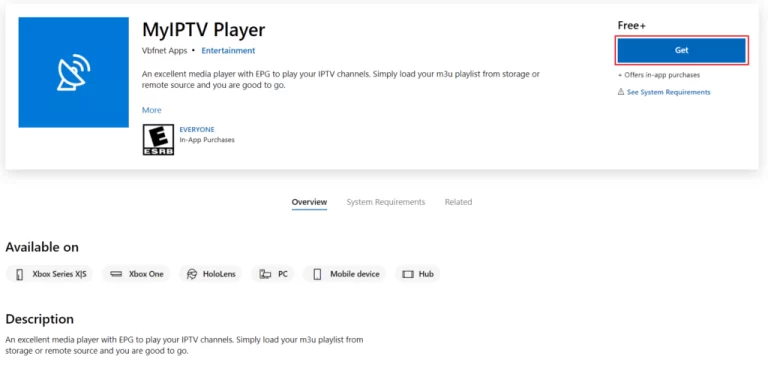
To get IPTV running on the MyIPTV Player for your PC, the first step is to download and install the software. If you haven’t grabbed the app yet, just click this link to download it.
https://www.microsoft.com/en-us/p/myiptv-player/9pjj2nmbf0tr?activetab=pivot:overviewtab
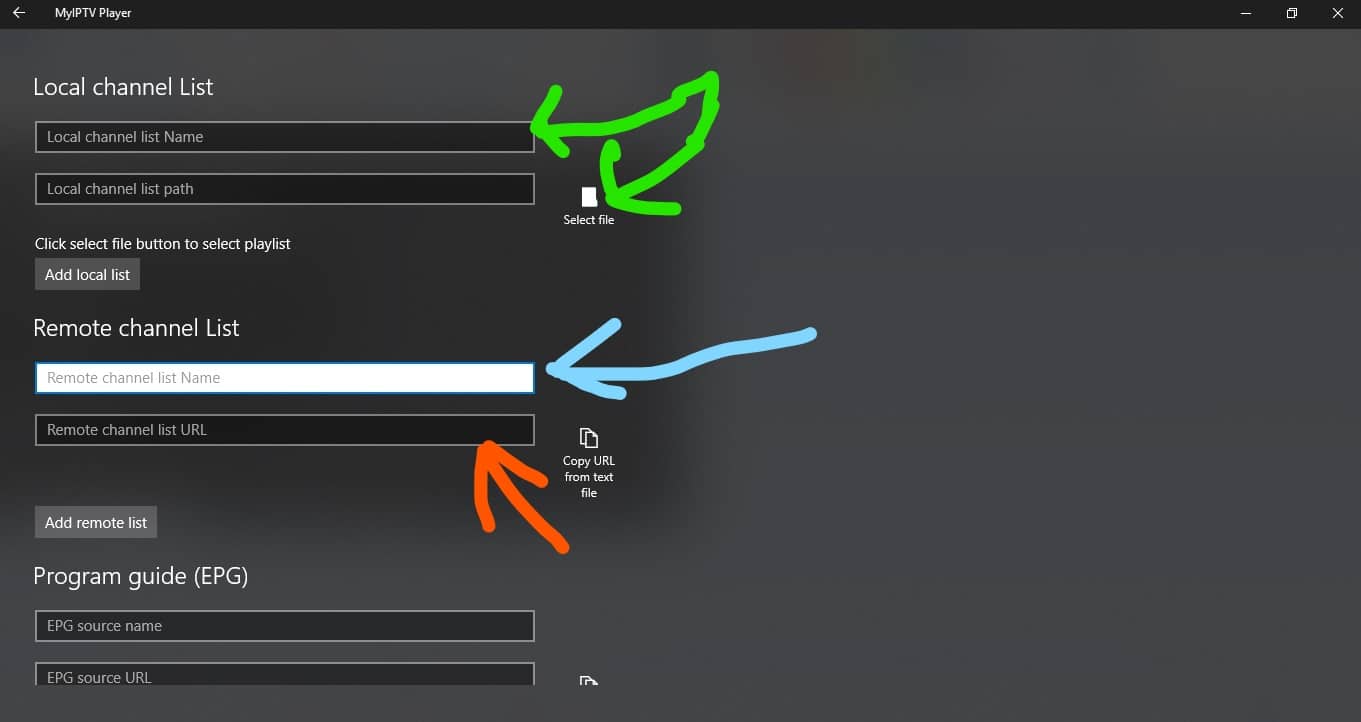
After you have downloaded and installed the app open it. You will be greeted with this screen like the image below.
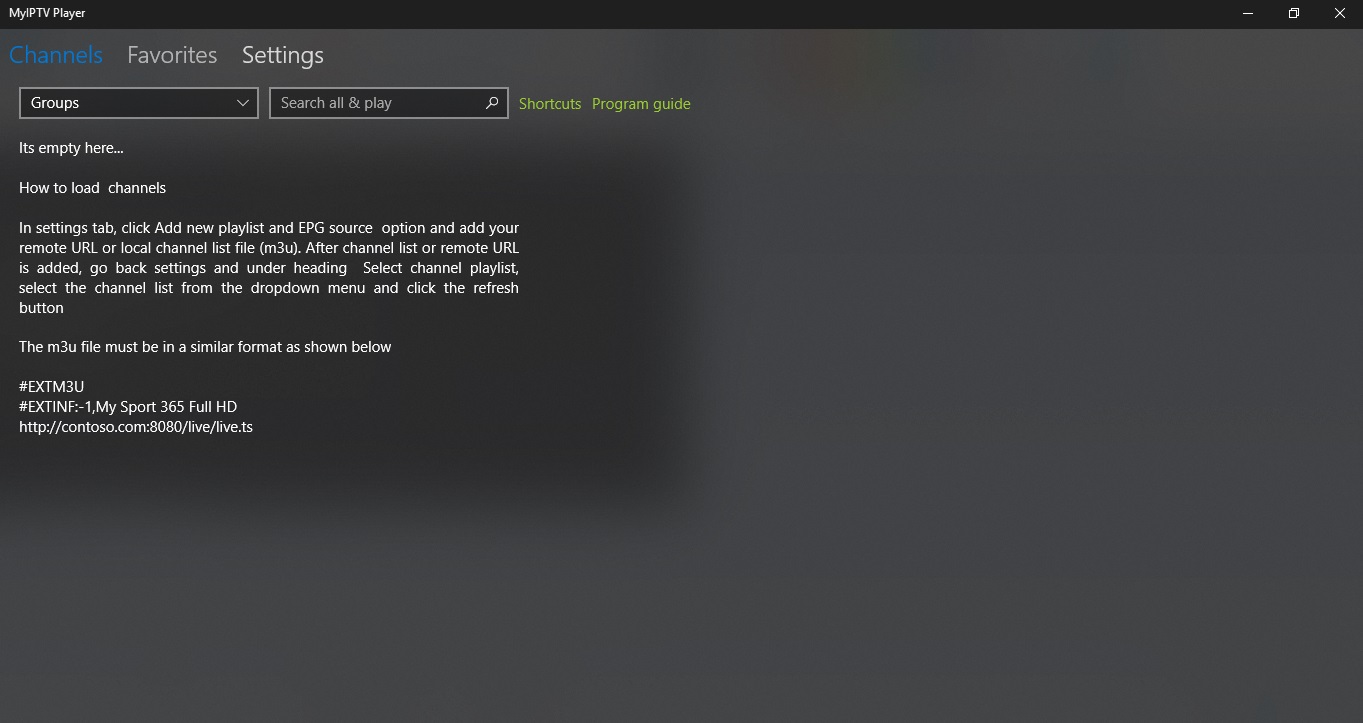
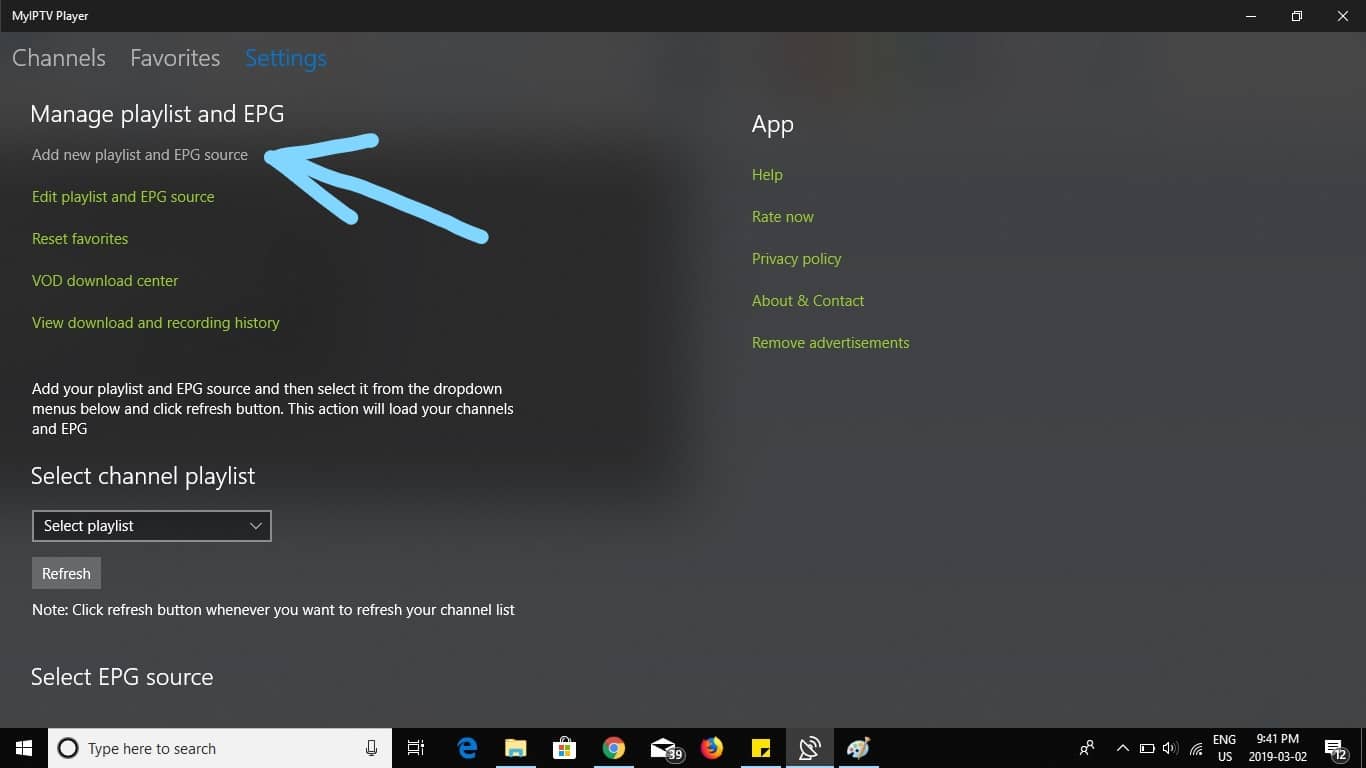
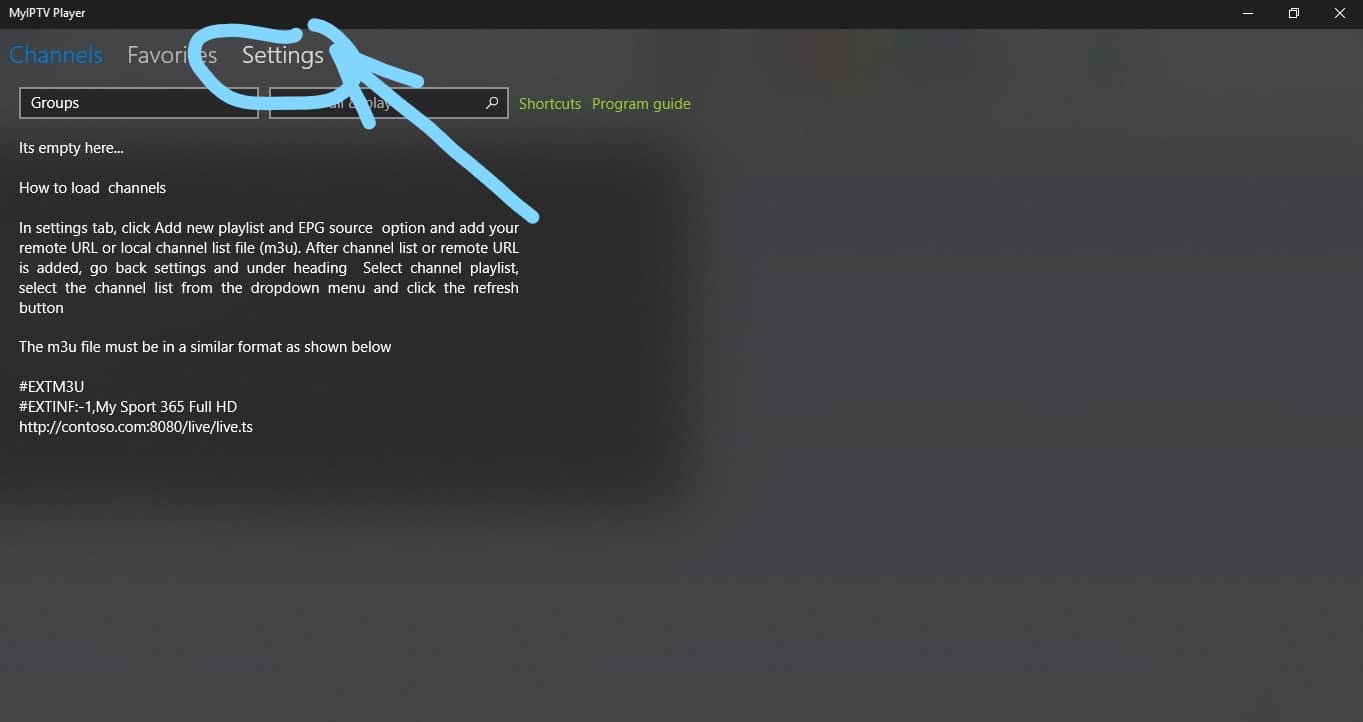
Now select “settings at the top of the screen”.
Enter a name for your playlist at the blue arrow then enter your m3u playlist URL from your IPTV Service Info Email at the orange arrow.
(Optional) if have downloaded the playlist to your PC select it at the green arrow otherwise skip this step.
Install IPTV on your Amazon Fire TV Stick (IPTV Smarters Player)
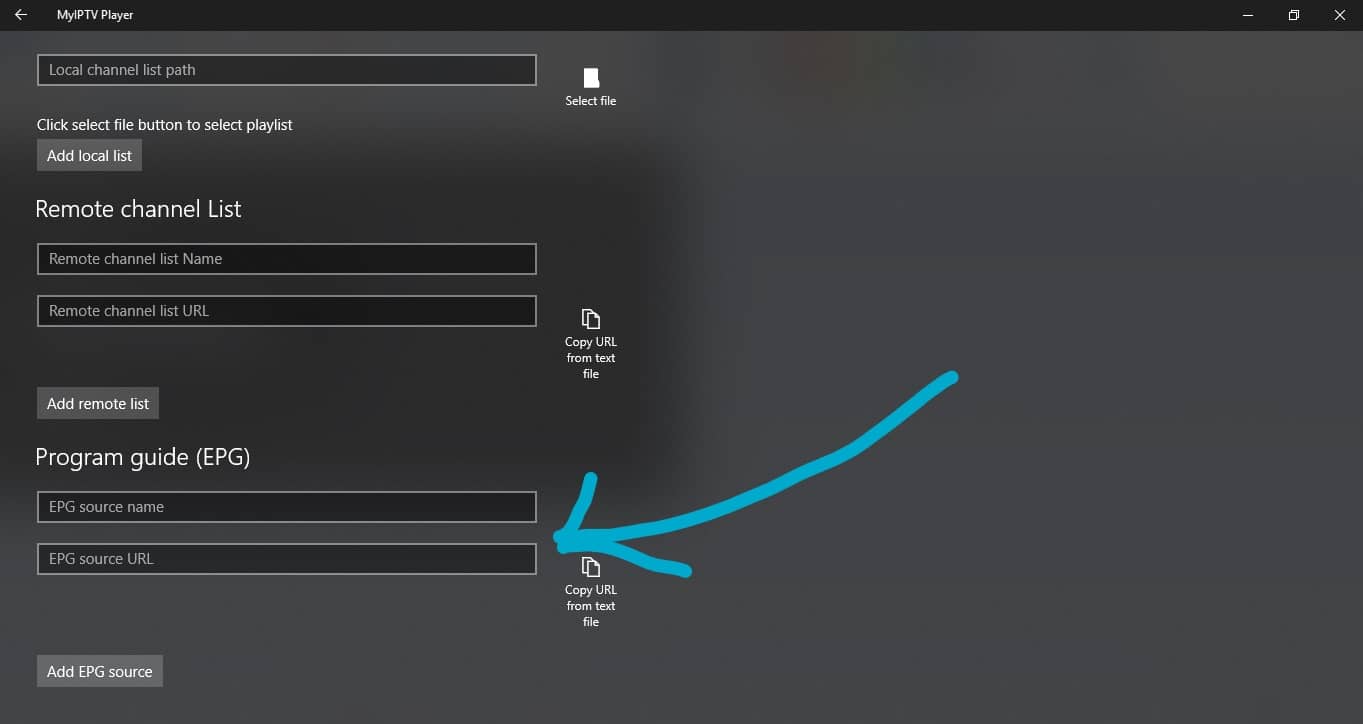
Scroll down to the program guide section and enter a made-up name for the source name then enter your EPG source URL from us.
Top Rated IPTV Review on EarthWeb
Go back by pressing the arrow at the top left corner of the screen.
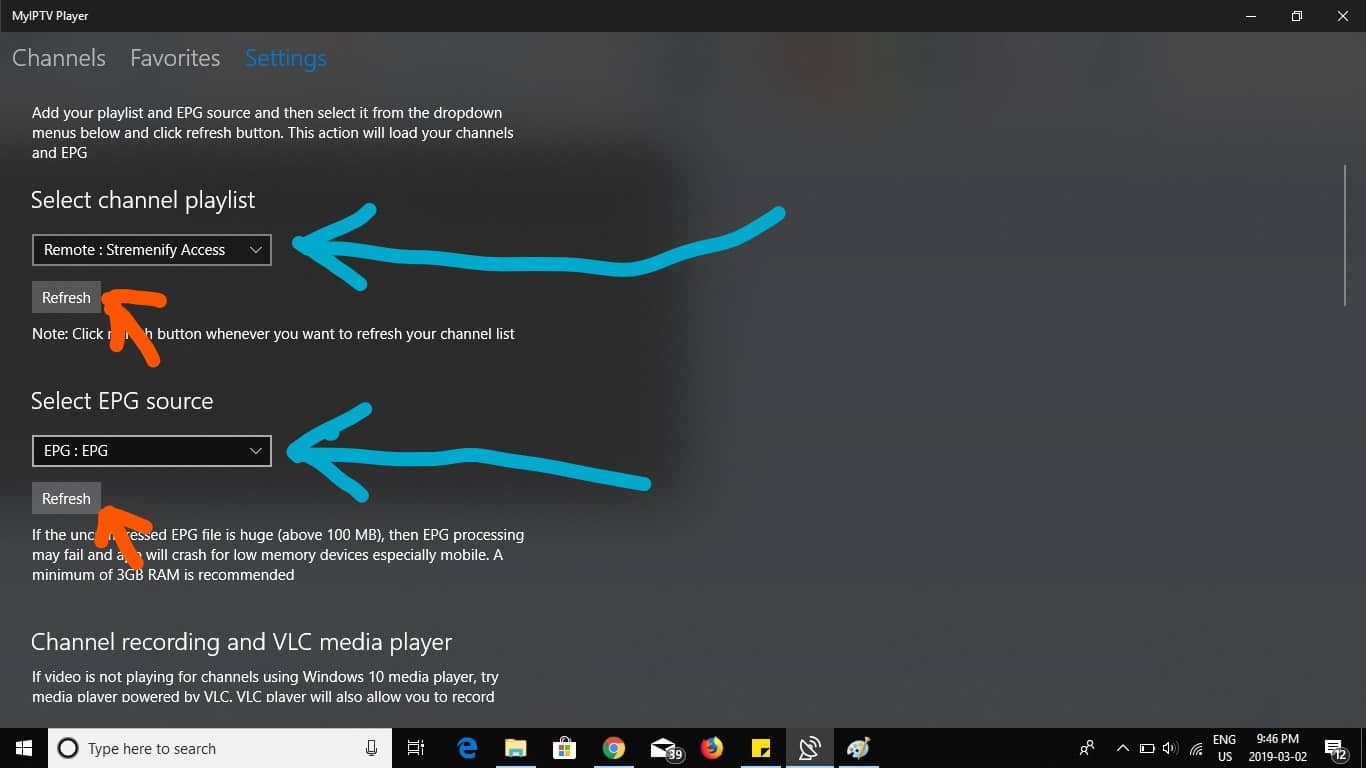
Select the channel playlist that you created by selecting the drop-down menu at the blue arrow.
choose the EPG source that you created by selecting the drop-down menu at the blue arrow.
Now Select the refresh button for channel playlist and EPG source at the orange arrows.
Select channels at the top left corner of the screen.
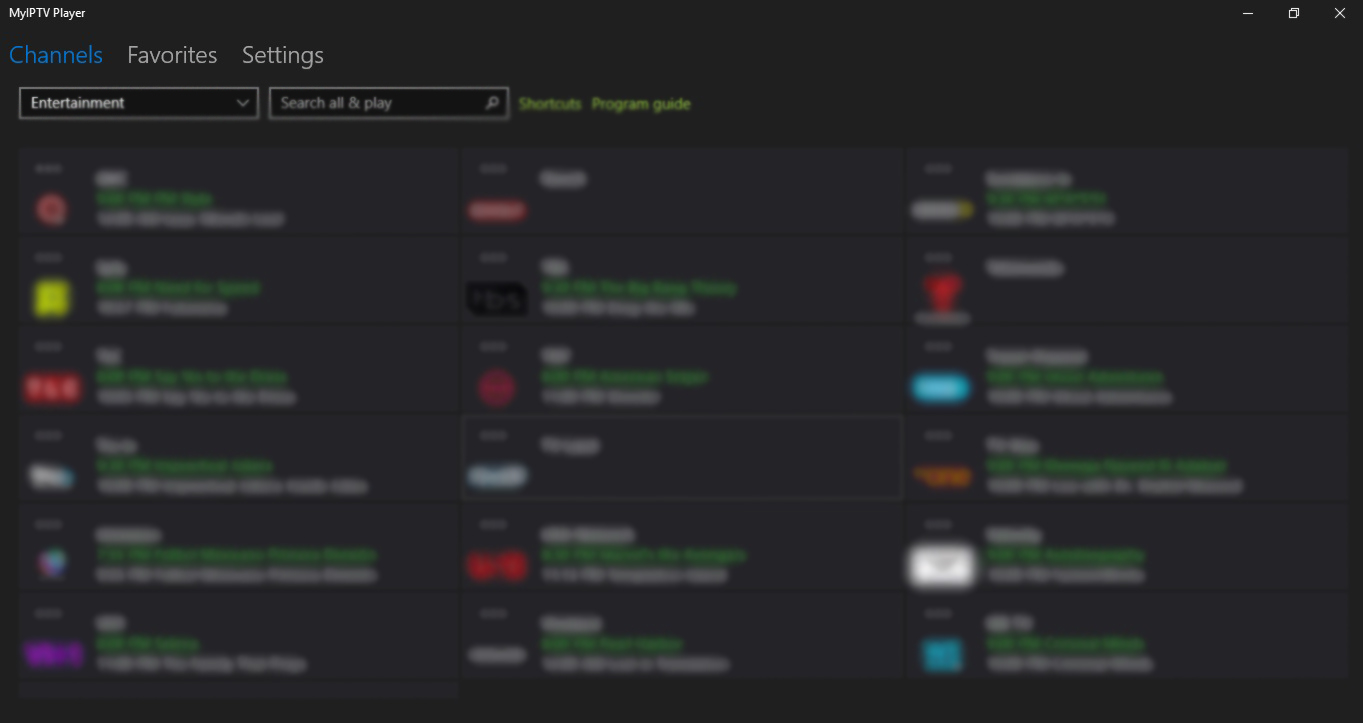
Select the drop-down under channels and choose your category.
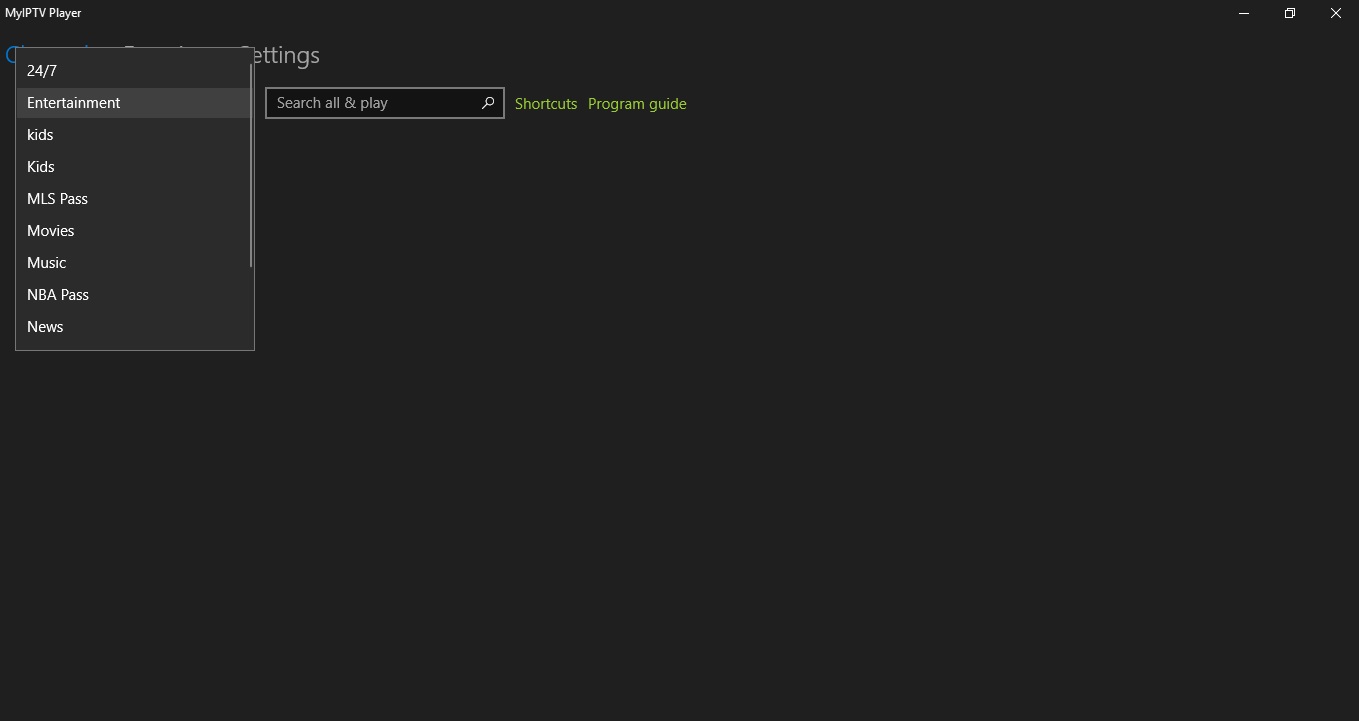
You should see your channels load after you selected your category.
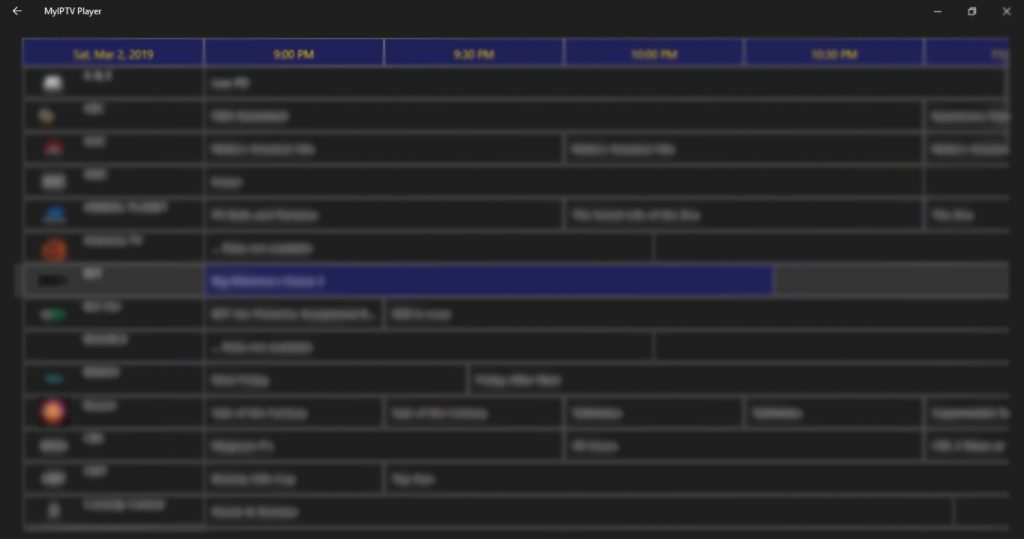
Select program guide to view EPG.
Step-by-Step Guide: Install IPTV on Samsung and LG Smart TVs Using DuplexPlay
Although IPTV Smarters is available on the Google Play Store for Android and the Apple App Store for iOS devices, it is not listed on the Amazon App Store. To install IPTV on Amazon FireStick, you will need to sideload the app. To do this, ensure that ‘Apps from Unknown Sources’ is enabled in your…
Amazon Store does not provide the VIEWTVY app. Consequently, if you wish to have it on your Fire TV Stick, you will need to sideload it. To Install any IPTV APP on Fire TV Stick, you must enable the option for Apps from Unknown Sources. Let’s address this step before proceeding with the installation of…
ViewTVY Review – 2025 Affordable IPTV With Strong Performance ViewTVY is one of those IPTV services that hits the sweet spot between price and performance. At first glance, it’s clear they’ve kept things simple and user-friendly. With plans starting at just $15, ViewTVY offers Live TV, VOD, PPV events, and a flexible app that works…
Enigma2 and Zgemma IPTV boxes have gained significant popularity in the United Kingdom and worldwide, and it’s likely that you have one at home too! If you’re here, you’re probably looking to learn how to set up IPTV on Enigma2 Dreambox devices. This guide will walk you through the standard setup process, ensuring you can…
The Dreamlink T1 and T2 are advanced devices designed to stream IPTV channels seamlessly. These gadgets utilize Stalker Middleware, providing a smooth, user-friendly interface that organizes IPTV content into an easy-to-navigate menu. With Dreamonline IPTV on Dreamlink, you can effortlessly browse and select your favorite channels, enhancing your streaming experience.. These products really help you…
Top 12 IPTV Services for 2025 – ViewTVY the Best Alternatives Ranked Published by ViewTVY – Expert IPTV Comparisons & Reviews In a market overflowing with IPTV services, users are often overwhelmed with choices. But not all providers are created equal — some offer true 4K streaming, extensive channel libraries, and reliable uptime, while others…
Copyright © 2025 VIEWTVY . All Rights Reserved | Design By Allwebcreation
Your blog consistently captivates me throughout. I prevent myself from reading before absorbing every individual word you write.
Your enthusiasm is contagious; I’m encouraged to take action now.